
Before you begin
Before you begin
- 01Docker
- 02Python 3.9 or later
- 03At least one LLM API key. Gemini is the easiest free starting point.
Bring AgentFleet up locally in a few minutes with Docker, Python, and one LLM API key.
Pull the project locally and enter the app directory.
git clone https://github.com/DBell-workshop/AgentFleet.git && cd AgentFleetCopy the sample config, then fill in your API key.
cp .env.example .env # add your API keyLaunch the containers and open the workspace in your browser.
docker compose up -d # open http://localhost:8001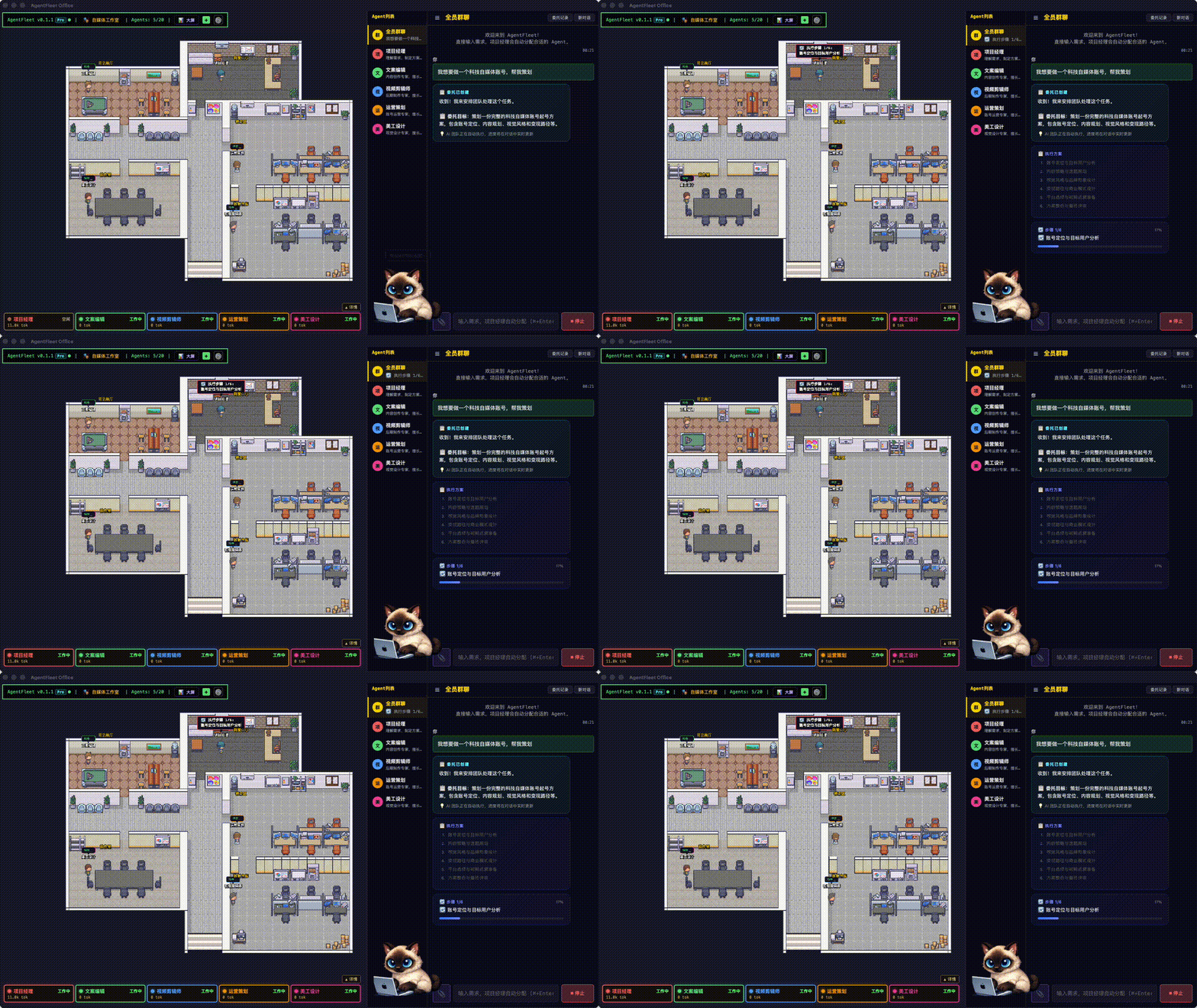
This is the current product view after the local stack has started successfully.
Ask setup questions in Telegram, GitHub Discussions, or the WeChat group.